Best Desk Accessories for a Cleaner Workspace
The right desk accessories can make your workspace feel cleaner, more organised and easier to use. You do not need to buy every gadget or upgrade at once — a few simple products can make a big difference to how your desk looks and works every day.
In this guide, we’ll cover some of the best desk accessories for a cleaner workspace, including cable management, desk mats, monitor stands, lighting, storage and comfort upgrades.
If you are still planning your full workspace, start with our guide to the best home office setup ideas for a more productive desk.
Quick Picks: Desk Accessories Worth Considering
| Accessory Type | Best For | Why It Helps |
|---|---|---|
| Desk mat | Cleaner desk surface | Makes the desk look more organised and protects the surface |
| Cable tray | Messy cables | Hides extension leads, chargers and loose wires |
| Cable clips | Phone chargers and small cables | Stops cables falling behind the desk |
| Monitor Upgrade | Screen space and productivity | Gives you more room to work and can make the setup feel cleaner than using a laptop screen alone |
| Monitor stand | Low screens | Raises your screen and creates extra storage space |
| Monitor arm | More desk space | Frees up the desk and improves screen positioning |
| Desk lamp | Better lighting | Makes the workspace easier to use in darker rooms |
| Desk organiser | Small items | Keeps pens, notes and accessories in one place |
| Headphone stand | Headphones on the desk | Keeps headphones tidy and easy to reach |
Desk Mat
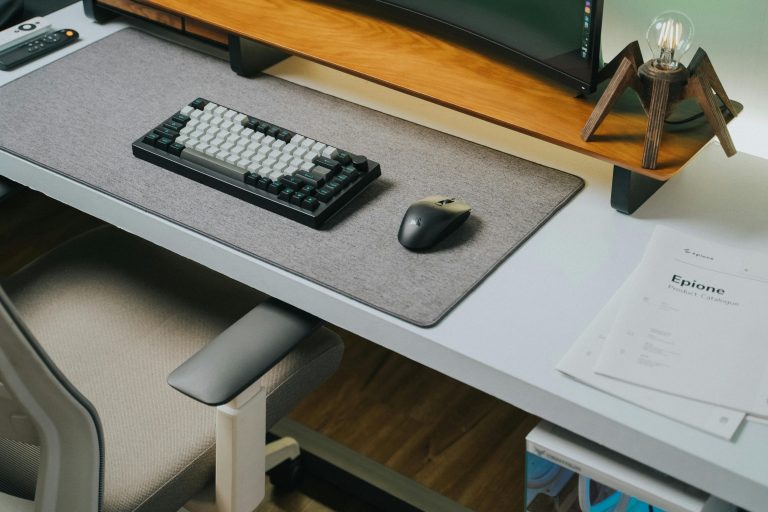
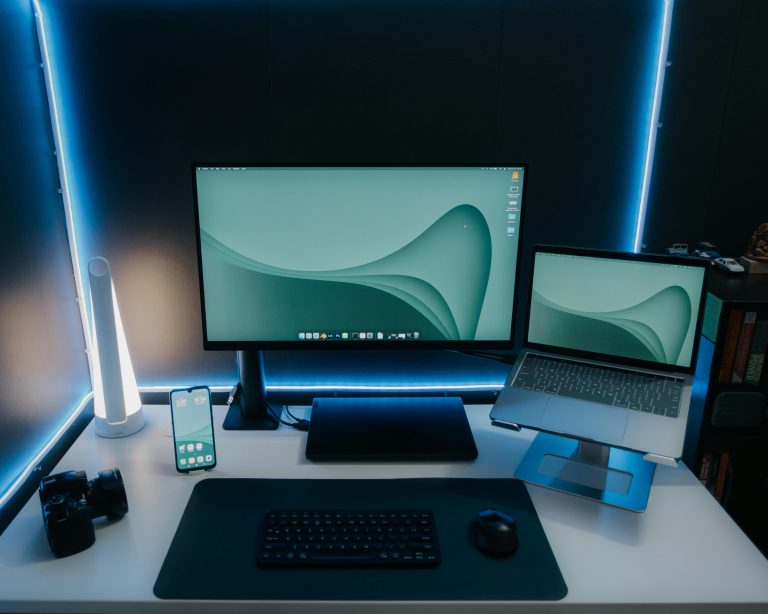
A desk mat is one of the easiest accessories to add to a workspace. It gives your keyboard and mouse a defined area, protects the desk surface and makes the setup look more organised.
A large desk mat works especially well if your desk feels visually messy. It helps group your main work area together and can make even a simple desk setup look cleaner.
Best for: creating a cleaner desk surface
Useful features to look for: large size, non-slip base, easy-clean surface, enough room for keyboard and mouse
Worth considering if: your desk looks cluttered or your mouse does not glide smoothly
For product recommendations, read our guide to the best desk mats for a cleaner desk setup.
Cable Tray
A cable tray is one of the best accessories for making a desk look cleaner. It sits underneath the desk and holds extension leads, chargers and loose cables so they are not hanging down or sitting on the floor.
This is especially useful if you have a monitor, laptop charger, phone charger, lamp and other desk tech plugged in at the same time. Instead of trying to hide every cable individually, a cable tray gives you one place to route everything.
Best for: hiding extension leads and messy wires
Useful features to look for: strong mounting, enough length for your power strip, easy access, sturdy metal or durable plastic
Worth considering if: cables are hanging behind your desk or collecting on the floor
For a fuller breakdown, read our guide to the best cable management ideas for a cleaner desk setup.
Cable Clips
Cable clips are a small but useful desk accessory, especially for phone chargers, laptop chargers, USB-C cables and other loose wires. They stick to the desk or wall and hold cables in place so they do not fall behind the desk when unplugged.
They are cheap, simple and easy to add to almost any setup. If your desk already looks fairly clean but small cables keep getting messy, cable clips are a good quick fix.
Best for: keeping small cables in place
Useful features to look for: strong adhesive, multiple cable slots, suitable size for your cables
Worth considering if: your phone charger, laptop cable or USB cables keep falling behind the desk
Monitor Upgrade
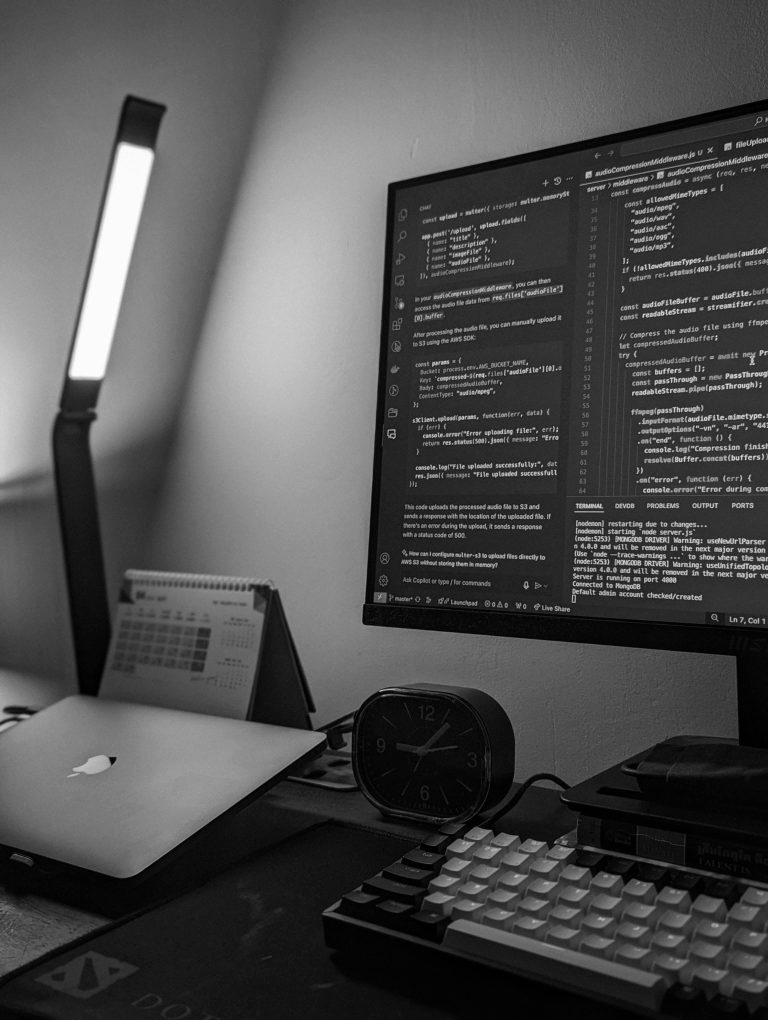
A good monitor is one of the biggest upgrades you can make to a desk setup. It gives you more screen space than a laptop alone and can make your workspace feel more productive, organised and comfortable.
For most people, a 27-inch QHD monitor is the best starting point because it gives you more room to work without needing a huge desk. If you want a cleaner multitasking setup, an ultrawide monitor can also be a good alternative to using two separate screens.
Best for: improving screen space and making the setup feel more productive
Useful features to look for: suitable screen size, sharp resolution, adjustable stand, VESA compatibility, USB-C if you use a laptop
Worth considering if: you work from a laptop screen, feel cramped with one small display, or want a cleaner alternative to multiple monitors
For product recommendations, read our guide to the best monitors for a cleaner desk setup.
Monitor Stand
A monitor stand raises your screen to a more comfortable height and creates extra space underneath. This can make your setup feel cleaner because you can store a keyboard, notebook, docking station or small accessories below the monitor.
A basic monitor stand is a good option if you want a simple upgrade without attaching anything to the desk. It is also useful for renters or anyone who does not want to clamp a monitor arm to their desk.
Best for: raising a low monitor and adding storage space
Useful features to look for: strong weight support, suitable height, storage space underneath, stable base
Worth considering if: your screen feels too low or your desk needs more usable space
If you are deciding between the two, read our monitor arm vs monitor stand comparison.
Monitor Arm
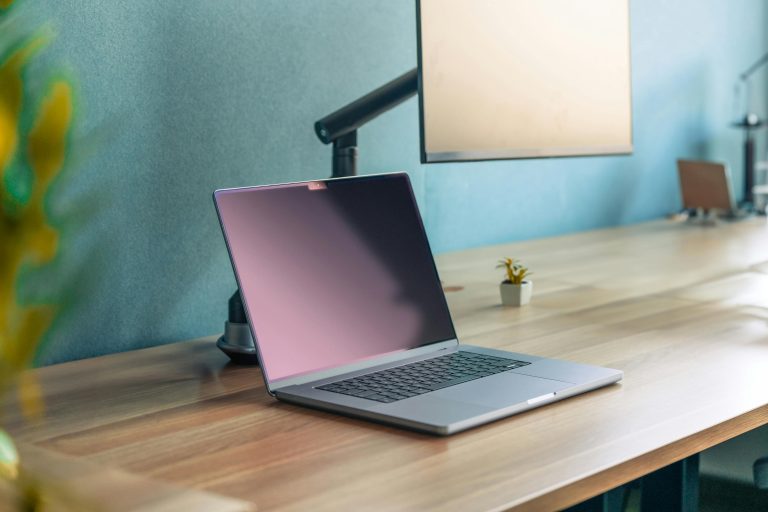
A monitor arm is one of the best upgrades if you want more desk space. Instead of sitting on a stand, your monitor is held above the desk using a clamp or mount. This frees up the area underneath and gives you more flexibility with screen position.
Monitor arms are especially useful for smaller desks, dual-screen setups or anyone who wants a cleaner-looking workspace. They can also make it easier to position your screen at a better height and distance.
Best for: freeing up desk space and improving screen position
Useful features to look for: strong clamp, VESA compatibility, suitable weight range, easy height and angle adjustment
Worth considering if: your monitor base takes up too much space or your screen position feels awkward
For more detail on choosing the right arm, read our guide to the best monitor arms for a cleaner desk setup.
Desk Lamp or Monitor Light Bar
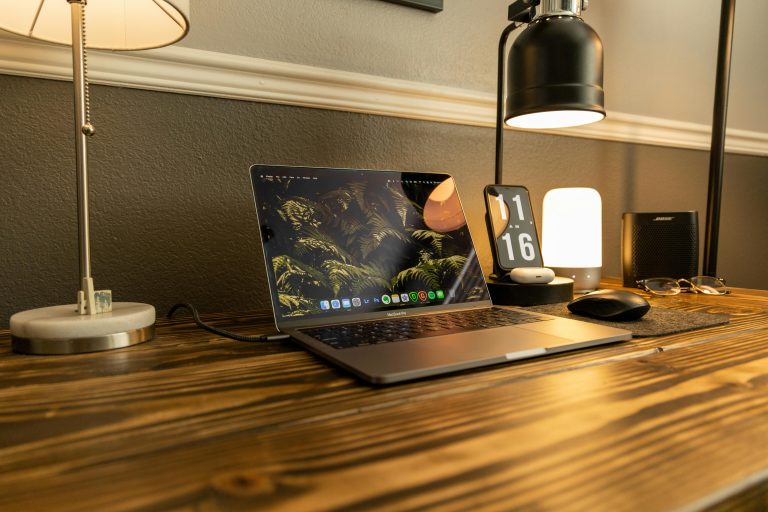
Good lighting can make your desk feel more comfortable, especially if you work in the evening or your room does not get much natural light. A desk lamp is the simplest option, while a monitor light bar can give your workspace a cleaner look because it sits on top of your screen.
A light bar is useful if you want to save desk space, while a lamp gives you more flexibility with placement and style. Either option can make the setup feel brighter and more focused.
Best for: improving lighting around your desk
Useful features to look for: adjustable brightness, adjustable colour temperature, low glare, stable design
Worth considering if: your workspace feels dark, flat or tiring to use
For product recommendations, read our guide to the best desk lamps for a cleaner and more productive setup.
Desk Organiser
A desk organiser helps keep small items in one place. Pens, sticky notes, notebooks, chargers, memory cards and other accessories can quickly make a desk look messy if they are spread around the surface.
A simple organiser is useful because it gives everything a clear home. This makes the desk easier to reset at the end of the day and stops small items from taking over the workspace.
Best for: organising small desk items
Useful features to look for: enough compartments, compact size, sturdy build, easy access
Worth considering if: pens, notes, chargers or small accessories are always scattered across your desk
Headphone Stand or Hook
Headphones can take up more desk space than expected. A stand or under-desk hook keeps them off the main desk surface while still making them easy to reach.
A headphone stand can look good on the desk, but an under-desk hook is usually better if your main goal is a cleaner workspace. It keeps the headphones hidden away without needing extra surface space.
Best for: keeping headphones tidy
Useful features to look for: stable base or strong adhesive/clamp, soft contact points, enough space for your headphones
Worth considering if: your headphones usually sit on the desk, chair or floor
Laptop Stand
A laptop stand is useful if you work from a laptop for long periods. It raises the screen so you are not constantly looking down, and it can make the setup feel more like a proper workstation.
For the best result, use a laptop stand with a separate keyboard and mouse. This gives you a better screen height while keeping your typing and mouse position more comfortable.
Best for: improving a laptop-based setup
Useful features to look for: stable build, suitable height, ventilation, foldable design if you need portability
Worth considering if: you work mainly from a laptop and want a cleaner, more comfortable setup
A laptop stand is also useful if you work from a laptop regularly, because it raises the screen and helps create a cleaner, more comfortable setup.
For product recommendations, read our guide to the best laptop stands for a cleaner desk setup.
Drawer Organiser or Storage Tray
A drawer organiser or storage tray is useful for keeping spare cables, chargers, stationery and small tech accessories out of sight. This helps keep the desk surface clear without losing the items you use regularly.
This is a simple upgrade, but it can make a big difference if your desk has become a dumping ground for random accessories.
Best for: reducing clutter on the desk surface
Useful features to look for: adjustable compartments, suitable size, easy access, durable material
Worth considering if: your desk has too many small items with nowhere to go
Which Desk Accessories Should You Buy First?
You do not need to buy every accessory at once. The best first upgrade depends on what is making your desk feel messy or uncomfortable.
If cables are the main problem, start with a cable tray and cable clips. If your screen feels too low, start with a monitor stand or monitor arm. If your desk surface looks cluttered, start with a desk mat and organiser. If your workspace feels dark, upgrade the lighting first.
For most people, the best starting combination is:
- Desk mat
- Cable tray
- Cable clips
- Monitor stand or monitor arm
- Desk organiser
These accessories are simple, useful and easy to add to most home office setups.
If you are ready for a bigger upgrade, a better monitor can make the biggest difference to your overall desk setup, especially if you currently work from a laptop screen.
Final Thoughts
The best desk accessories are not always the most expensive ones. A cleaner workspace usually comes from simple upgrades that solve real problems: messy cables, poor lighting, low screens, scattered accessories or lack of storage.
Start with the accessory that fixes your biggest frustration first. Once the basics are sorted, you can build a cleaner and more practical desk setup over time.
Related Guides
If you want to improve specific parts of your desk setup, you may also find these useful:
- Best monitor arms for a cleaner desk setup
- Best cable management ideas for a cleaner desk setup
- Best desk lamps for a cleaner and more productive setup
- Best desk mats for a cleaner desk setup
- Best home office setup ideas
- Best laptop stands for a cleaner desk setup
- Best monitors for a cleaner desk setup
Disclosure: This page may contain affiliate links. If you buy through these links, we may earn a commission at no extra cost to you.