Best Home Office Setup Ideas for a More Productive Desk
A good home office setup does not need to be complicated. The right desk layout, lighting, accessories and tech can make your workspace feel cleaner, easier to use and more productive.
In this guide, we’ll cover simple home office setup ideas you can use to improve your desk, whether you work from home full-time, hybrid work, study, game, or just want a better everyday workstation.
Quick Product Checklist for a Better Home Office Setup
If you want to improve your desk quickly, these are the types of products that usually make the biggest difference:
| Setup Problem | Useful Product | Why It Helps |
|---|---|---|
| Desk feels cluttered | Cable tray, cable clips, desk mat | Makes the workspace look cleaner |
| Screen feels too low | Monitor arm or monitor stand | Raises the screen and frees up desk space |
| Workspace feels dark | Desk lamp or monitor light bar | Improves visibility and focus |
| Laptop setup feels awkward | Laptop stand, keyboard and mouse | Creates a more comfortable working position |
| Laptop screen feels small or cramped | Monitor | Gives you more screen space and makes work easier |
| Accessories are scattered | Desk tray or drawer organiser | Keeps small items in one place |
| Chair/setup feels uncomfortable | Footrest, ergonomic chair, wrist rest | Makes longer work sessions more comfortable |
You do not need every product on this list. Start with the problem that annoys you most, then upgrade your setup one piece at a time.
What Makes a Good Home Office Setup?
A good home office setup should feel comfortable, practical and easy to keep organised. It is not just about having an expensive desk or the latest tech. The best setups usually get the basics right first: a clear desk layout, good lighting, a comfortable chair, enough screen space and simple cable management.
Before buying new gear, think about how you actually use your workspace. Do you need more room for a laptop and monitor? Do you take video calls? Do you write notes by hand? Do you need better lighting in the evening? These questions make it easier to choose upgrades that genuinely improve your setup rather than buying accessories you do not really need.
Home Office Setup Ideas to Improve Your Desk
Start With a Clean Desk Layout
The easiest way to improve your home office setup is to simplify the desk itself. Keep the items you use every day within reach, and move anything occasional into a drawer, shelf or storage box. A cleaner desk gives you more space to work and makes the setup feel less distracting.
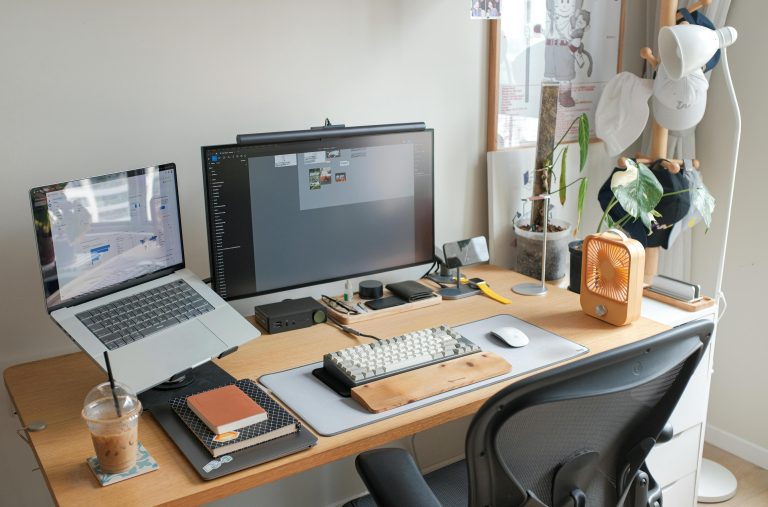
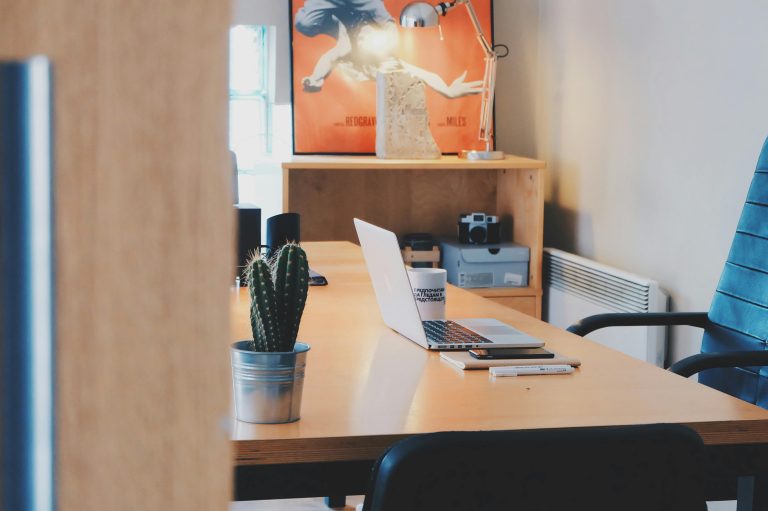
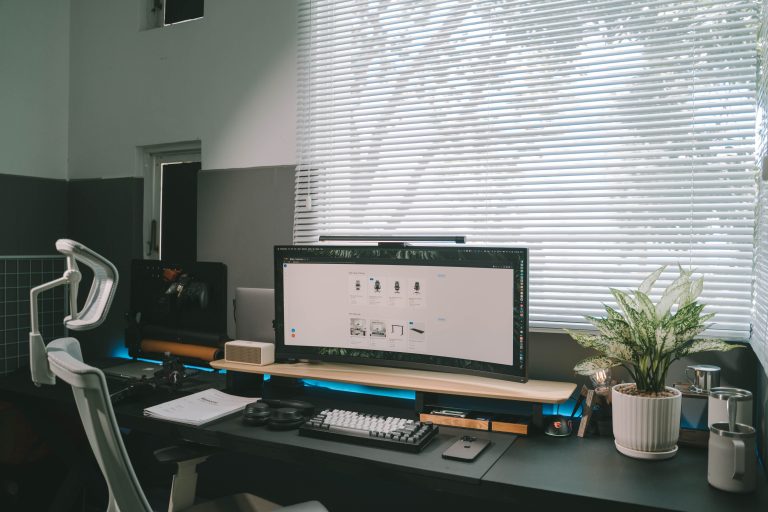
A simple layout usually works best: screen in the centre, keyboard and mouse directly in front of you, notebook or desk pad to one side, and only the essential accessories on the desk surface.
Improve Your Lighting
Lighting has a big impact on how comfortable your workspace feels. If your desk is too dark, you may strain your eyes, especially when working in the evening. If the lighting is too harsh, your setup can feel tiring over a long day.
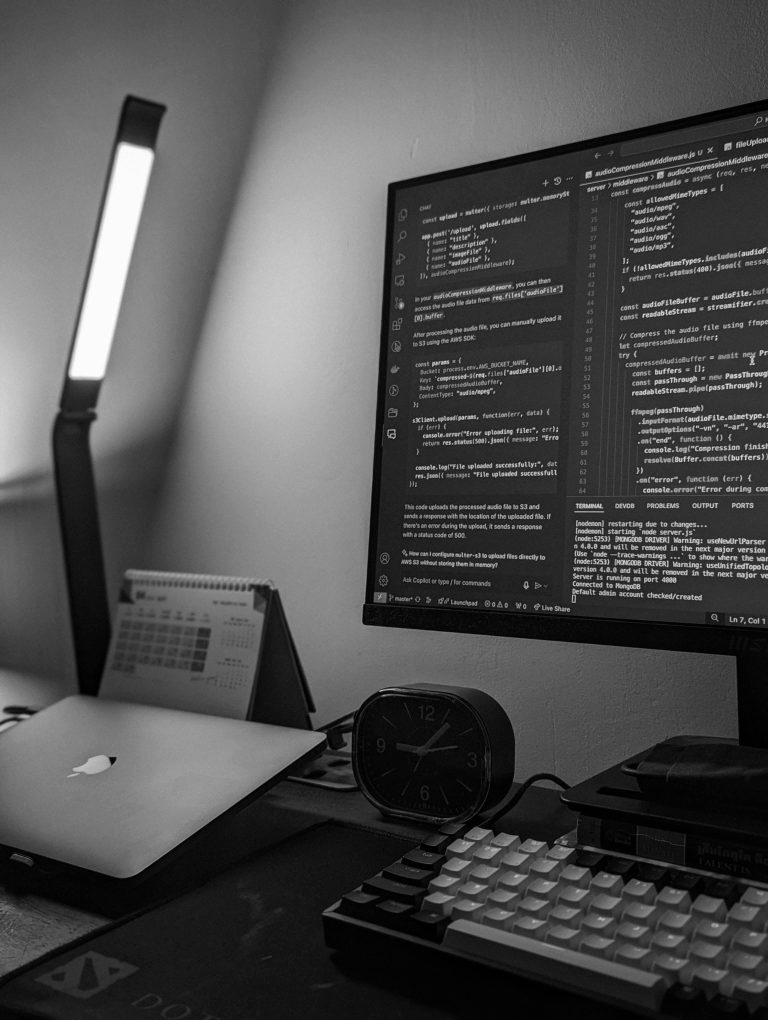
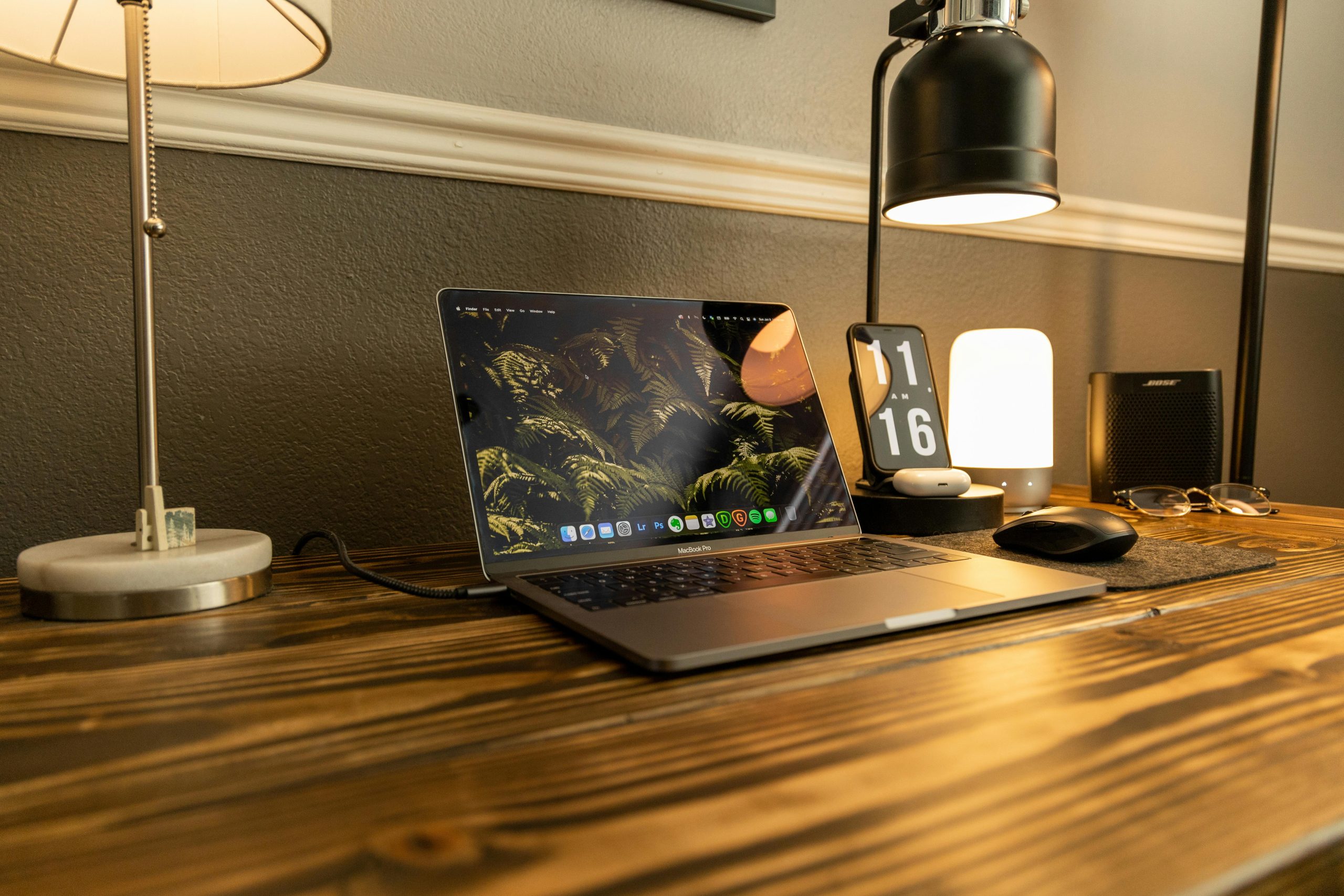
Try to place your desk near natural light where possible, but avoid having bright sunlight directly behind your screen. A simple desk lamp or monitor light bar can also help create a cleaner, more focused workspace.
Useful lighting upgrades to consider:
- A desk lamp if your workspace feels dark in the evening
- A monitor light bar if you want cleaner lighting without taking up desk space
- A warm adjustable bulb if you want a softer setup for long work sessions
For most home office setups, a simple adjustable desk lamp or monitor light bar is one of the easiest upgrades to make the desk feel more comfortable and focused.
For product recommendations, read our guide to the best desk lamps for a cleaner and more productive setup.
Upgrade to a Better Monitor
A good monitor is one of the biggest upgrades you can make to a home office setup. It gives you more screen space than a laptop alone, makes multitasking easier and can help the whole desk feel more productive.
For most people, a 27-inch QHD monitor is a strong starting point because it gives you more room to work without needing a huge desk. If you regularly use multiple windows, an ultrawide monitor can also be a cleaner alternative to using two separate screens.
Useful monitor upgrades to consider:
- A 24-inch monitor for a simple home office setup
- A 27-inch QHD monitor for most productivity setups
- An ultrawide monitor if you want more space for multitasking
- A USB-C monitor if you use a laptop and want fewer cables
For product recommendations, read our guide to the best monitors for a cleaner desk setup.
Use a Monitor Stand or Monitor Arm
Your screen position can make a big difference to how your desk feels. If your monitor is too low, you may end up looking down all day, which can make the setup feel uncomfortable over time.
A monitor stand or monitor arm helps raise your screen to a better height and can also free up space underneath your monitor. This makes the desk look cleaner and gives you more room for a keyboard, notebook, desk mat or accessories.
Useful monitor upgrades to consider:
- A basic monitor stand for a simple height boost
- A monitor arm if you want more desk space and adjustability
- A laptop stand if you mainly work from a laptop
- A dual monitor arm if you use two screens
Not sure which option is right for your desk? Read our comparison of monitor arms vs monitor stands.
Add Simple Cable Management
Cable management is one of the quickest ways to make a desk setup look cleaner. Even a good desk can look messy if cables are hanging everywhere or sitting across the surface.
You do not need a complicated setup to fix this. Start by grouping cables together, hiding excess cable length, and keeping chargers in one place. A few small accessories can make a big difference.
Useful cable management upgrades to consider:
- Cable clips for phone chargers and small desk cables
- A cable tray under the desk for extension leads and power bricks
- Velcro cable ties for grouping wires together
- A desk grommet or cable box if you have lots of plugs
If cables are the main thing making your desk look messy, read our full cable management ideas guide.
Keep Everyday Accessories Organised
A productive desk setup is easier to maintain when everything has a place. If your keyboard, mouse, notebook, pens, chargers and small accessories are scattered across the desk, the setup can quickly feel messy.
Simple organisation products can make the desk feel cleaner without needing a full redesign. The aim is to keep your most-used items easy to reach, while removing anything that does not need to sit on the desk all day.
Useful organisation upgrades to consider:
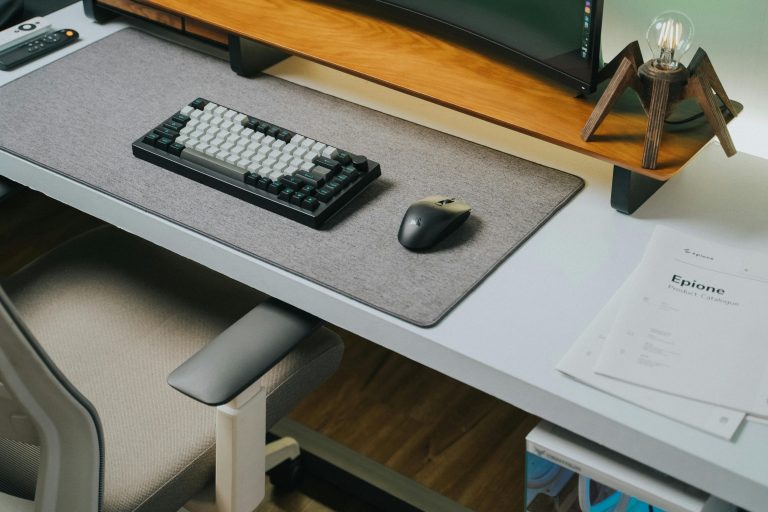
- A large desk mat to define your main work area
- A desk tray for pens, notes and small accessories
- A drawer organiser for cables, chargers and spare items
- A headphone stand or hook to keep headphones off the desk
For product recommendations, read our guide to the best desk mats for a cleaner desk setup.
Make the Setup More Comfortable
A clean desk is useful, but your setup also needs to feel comfortable if you use it for long periods. Small changes to your chair, screen height, keyboard position and foot placement can make the workspace feel much easier to use.
You do not always need to buy a new chair straight away. Sometimes a laptop stand, monitor arm, footrest or better keyboard position can make the setup feel more natural.
Useful comfort upgrades to consider:
- An ergonomic chair if your current chair feels uncomfortable
- A footrest if your feet do not sit flat on the floor
- A wrist rest if your keyboard or mouse position feels awkward
- A laptop stand with a separate keyboard and mouse
A laptop stand can also help if you work from a laptop regularly, because it raises the screen closer to eye level and makes the desk feel more organised.
For product recommendations, read our guide to the best laptop stands for a cleaner desk setup.
Upgrade Your Keyboard and Mouse
Your keyboard and mouse are two of the items you use the most, so they can have a big impact on how your setup feels. A poor keyboard or uncomfortable mouse can make the desk feel frustrating, especially if you work for long periods.
You do not need the most expensive gear. The main thing is choosing a keyboard and mouse that feel comfortable, reliable and suited to how you use your desk.
Useful keyboard and mouse upgrades to consider:
- A wireless keyboard for a cleaner desk setup
- An ergonomic mouse if your current mouse feels uncomfortable
- A mechanical keyboard if you prefer a more tactile typing feel
- A compact keyboard if you want more desk space
- A keyboard and mouse set if you want a simple matching setup
Add Storage Without Cluttering the Desk
Storage is useful, but it should not make your workspace feel crowded. The best home office setups keep everyday items close by while moving less-used items out of sight.
If your desk has no drawers, small storage products can help keep the setup tidy without taking over the surface. This is especially useful for chargers, notebooks, spare cables, stationery and tech accessories.
Useful storage upgrades to consider:
- A small drawer unit beside or under the desk
- A desktop organiser for notebooks and stationery
- A cable storage pouch for spare leads and chargers
- A shelf above the desk for items you do not need every day
Consider a Standing Desk or Desk Converter
A standing desk is not essential, but it can be a useful upgrade if you spend long hours at your workspace. Being able to switch between sitting and standing can make the desk feel more flexible throughout the day.
If a full standing desk is too expensive or you do not want to replace your current desk, a desk converter can be a simpler option. It sits on top of your existing desk and gives you a raised platform for your monitor, keyboard and mouse.
Useful standing desk upgrades to consider:
- A full electric standing desk for a flexible long-term setup
- A desk converter if you want to keep your existing desk
- An anti-fatigue mat if you stand for longer periods
- A cable tray to keep wires tidy when the desk moves up and down
Keep the Setup Easy to Maintain
The best home office setup is one you can keep tidy without thinking about it every day. If your desk only looks good for five minutes after cleaning, the setup probably needs to be simpler.
Try to make your workspace easy to reset. Keep fewer items on the desk, give everything a clear place, and use simple accessories that reduce clutter rather than adding more of it.
Useful maintenance upgrades to consider:
- A desk mat that is easy to wipe clean
- Cable clips to stop chargers falling behind the desk
- A small bin or recycling box near the workspace
- A screen cleaning kit for monitors and laptops
Recommended Products for a Better Home Office Setup
You do not need to buy everything at once. The best approach is to upgrade the parts of your setup that cause the most frustration first.
If your desk feels messy, start with cable management, a desk mat and simple storage. If your setup feels uncomfortable, look at your chair, monitor height, keyboard and mouse. If your workspace feels dark or flat, start with lighting.
Good first upgrades for most home office setups include:
- A monitor arm or monitor stand
- A better monitor for more screen space
- A desk lamp or monitor light bar
- A cable tray and cable clips
- A large desk mat
- A laptop stand
- A comfortable keyboard and mouse
- A drawer organiser or desk tray
- A footrest or ergonomic chair upgrade
These are simple products, but they can make a noticeable difference to how your workspace looks and feels.
For a more detailed breakdown of useful accessories, read our guide to the best desk accessories for a cleaner workspace.
Final Thoughts
A better home office setup does not have to be expensive or complicated. Start with the basics: clear your desk, improve your lighting, raise your screen, tidy your cables and make the workspace more comfortable.
Once the essentials are sorted, you can upgrade your setup over time with accessories and tech that genuinely improve how you work. The best desk setup is not always the most expensive one — it is the one that feels clean, practical and easy to use every day.
Related Guides
If you are building a cleaner home office setup, you may also find these useful:
- Best desk accessories for a cleaner workspace
- Best monitor arms for a cleaner desk setup
- Monitor arm vs monitor stand: which is better for your desk setup?
- Best monitors for a cleaner desk setup
- Best cable management ideas for a cleaner desk setup
- Best desk lamps for a cleaner and more productive setup
- Best desk mats for a cleaner desk setup
- Best laptop stands for a cleaner desk setup
Disclosure: This page may contain affiliate links. If you buy through these links, we may earn a commission at no extra cost to you.